Upgrade PGOS Unity Plugin
When you need to upgrade from an old PGOS Unity plugin to a new one, the following is our recommended upgrade process:
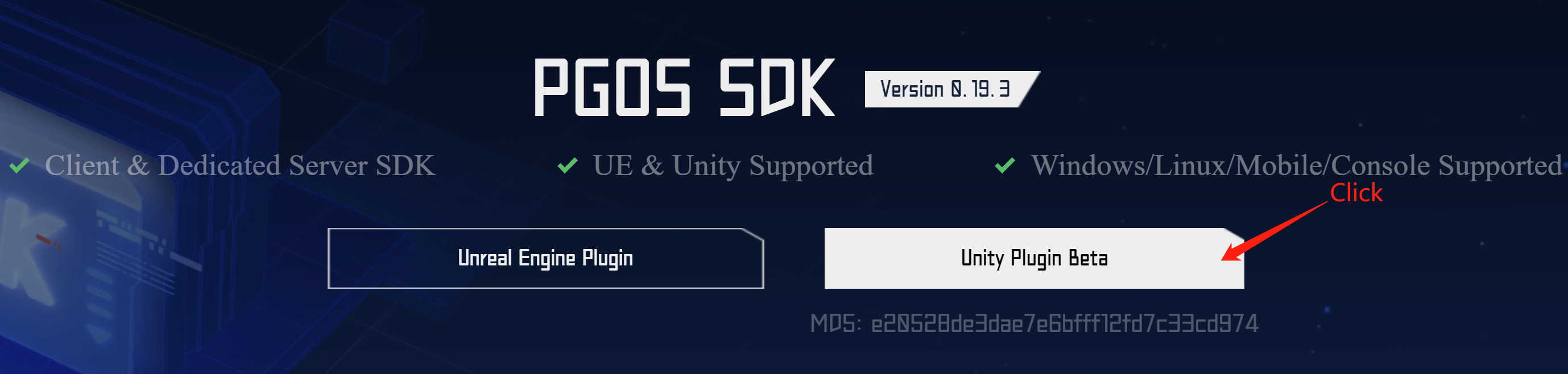
1. Download the New PGOS Unity Plugin
You can click here to download:
2. Update the PgosSDK Folder
Delete the old com.pgos.unity folder first, and then copy the new one to the Packages directory.
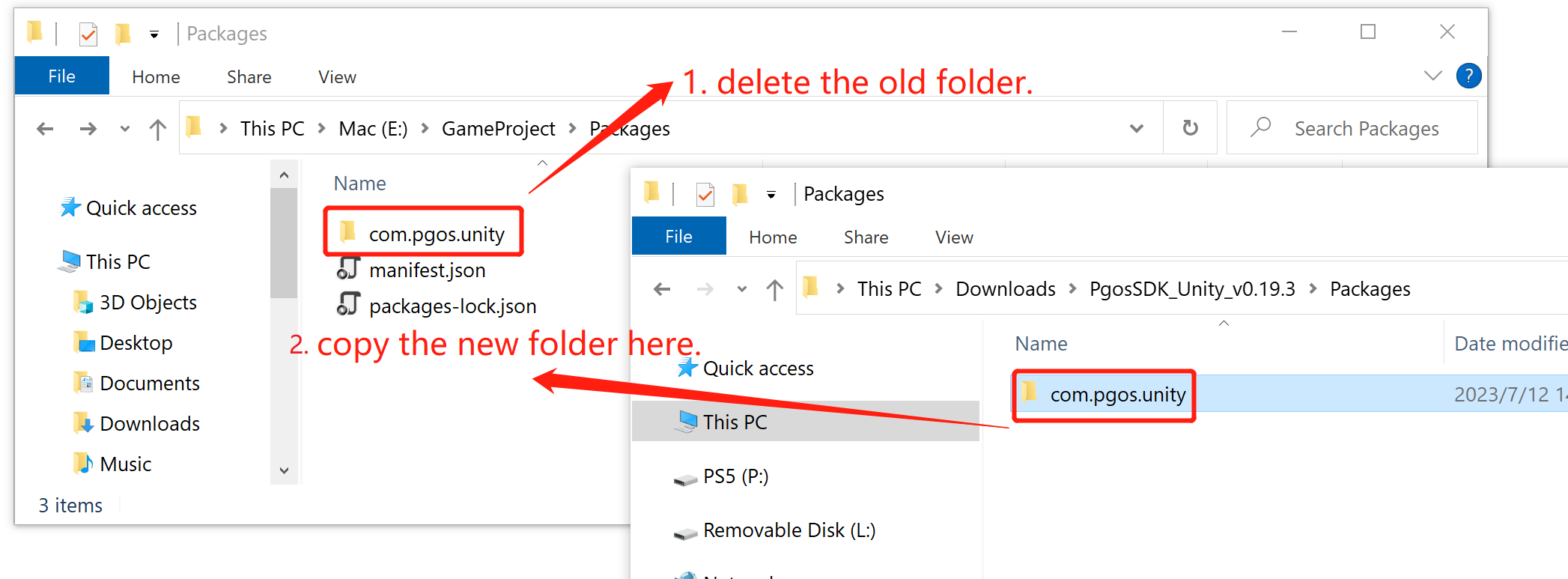
The pgos_res and pgos_res.meta under the Accests/StreamingAssets folder are also replaced in the same way. Of course, if you have modified the configuration file under pgos_res, you need to remember to synchronize the modification to the new configuration file.
3. Execute Build in Visual Studio
In order to ensure that the code of the new plugin takes effect and that the plugin code is consistent with the PGOS libraries, you need to execute a build command in visual studio.
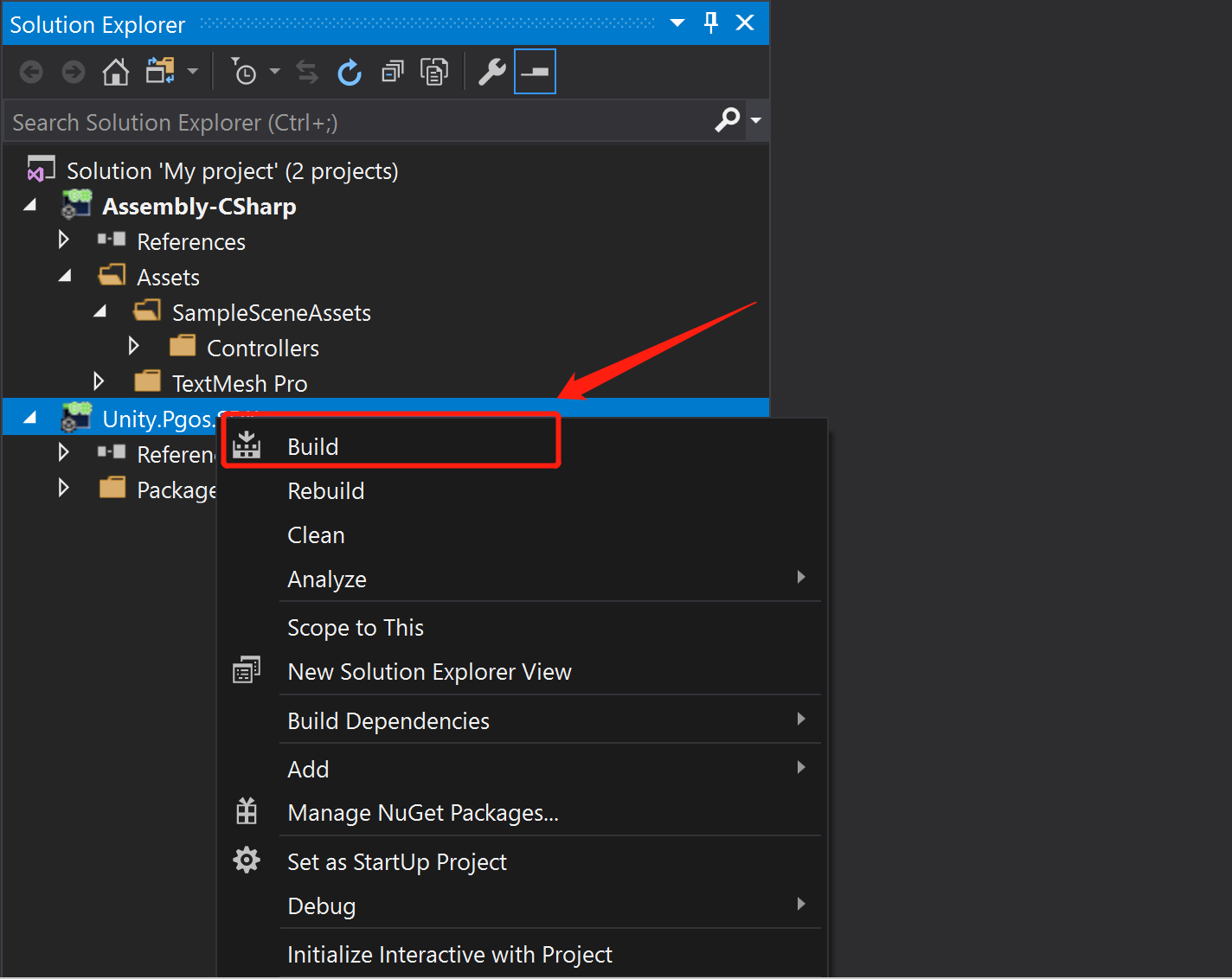
Pay attention to the content of the visual studio output window:
- If the game code uses a deprecated API of PGOS, there will be a warning message, please replace it with the recommended one.
- If PGOS removes some API or some structure fields, and your code uses them, an error message may be output.
How to deal with these possible warning/error messages, you can refer to the suggestions in PGOS Change Log. After solving these possible warnings/errors, the PGOS Unity Plugin is upgraded.