Game Data Deletion
1. Overview
Game Data Deletion means deleting all player-related data in the backend of the game. The operation only deletes data itself but not data definitions and configurations. It is executable only when the title region state is Closed. If you have just closed the title region, please wait for a while (about one minute) to complete status synchronization before performing the deletion operation.
Note: For
Prodtitle regions, only users withtitle adminprivileges are authorized to perform Game Data Deletion.
2. Game Data Deletion Result
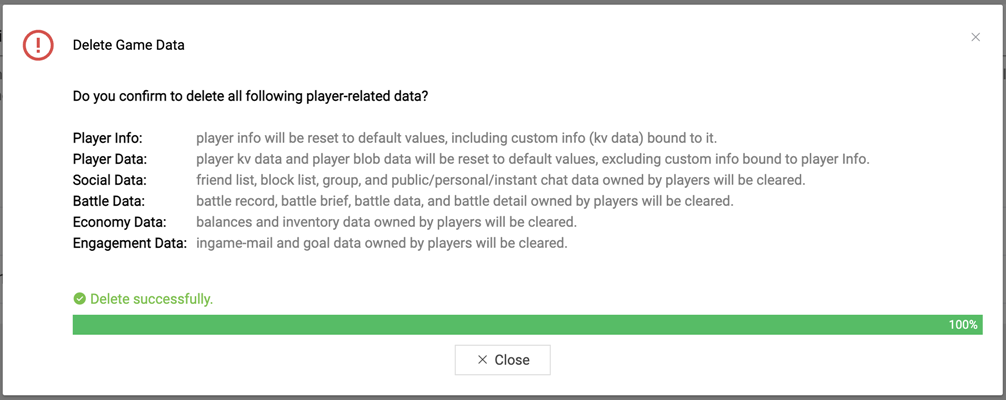
Executing a game data deletion will result in the following data being cleared:
| Deleted Target | Result |
|---|---|
| Player Info | Player info will be reset to default values, including custom info (KV data) bound to it. |
| Player Data | Player KV data and player blob data will be reset to default values, excluding custom info bound to Player Info. |
| Social Data | Friend list, block list, group, and public/personal/instant chat data owned by players will be cleared. |
| Battle Data | Battle record, battle brief, battle data, and battle detail owned by players will be cleared. |
| Economy Data | Balances and inventory data owned by players will be cleared. |
| Engagement Data | In-game mails and goals data owned by players will be cleared. |
3. How to Perform a Game Data Deletion
Step 1. Enter PGOS portal console, open Game Data Deletion page shown below.
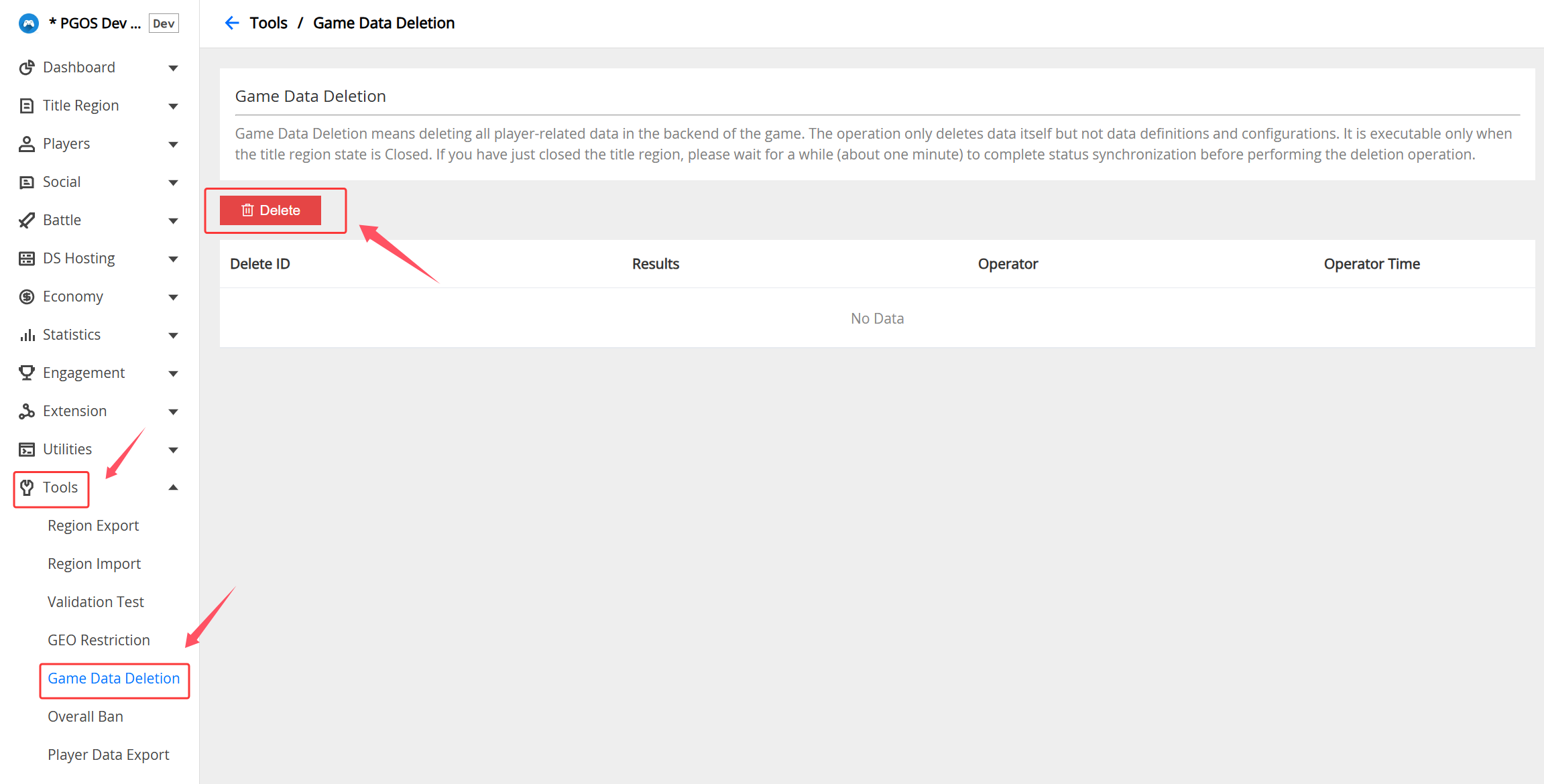
Step 2. Click Delete button and make a double check.
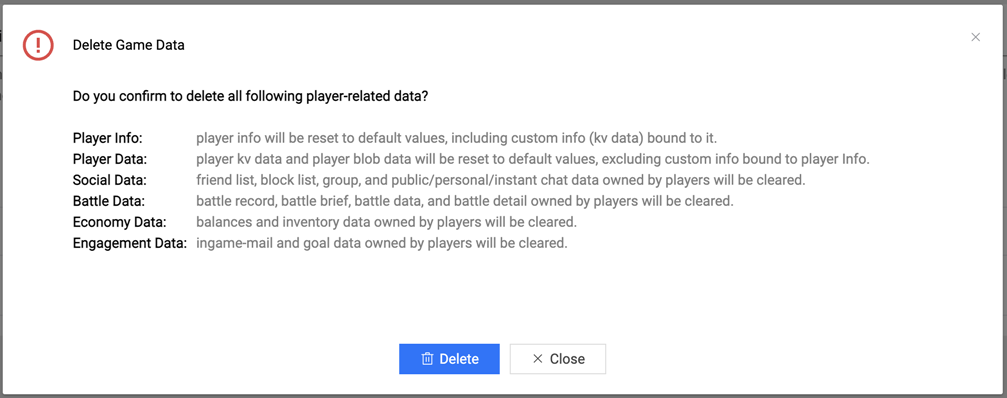
Step 3. Click the Delete button on the popup box to submit the deletion operation to the PGOS background.
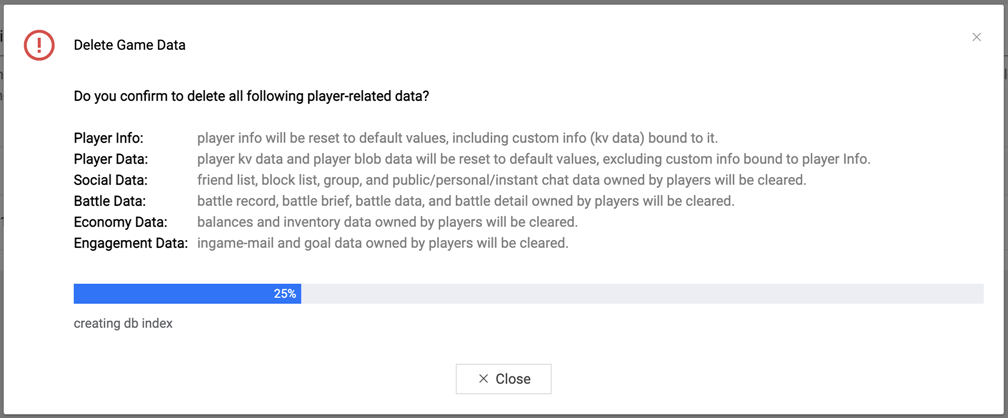
Step 4. Wait for the operation to complete.